DAYTIME HOURS
—
ADDRESS / 012B Grigol
View mapCOMPUTER & LAPTOP REPAIR
BATUMI, GEORGIAYour technology. Our expertise.
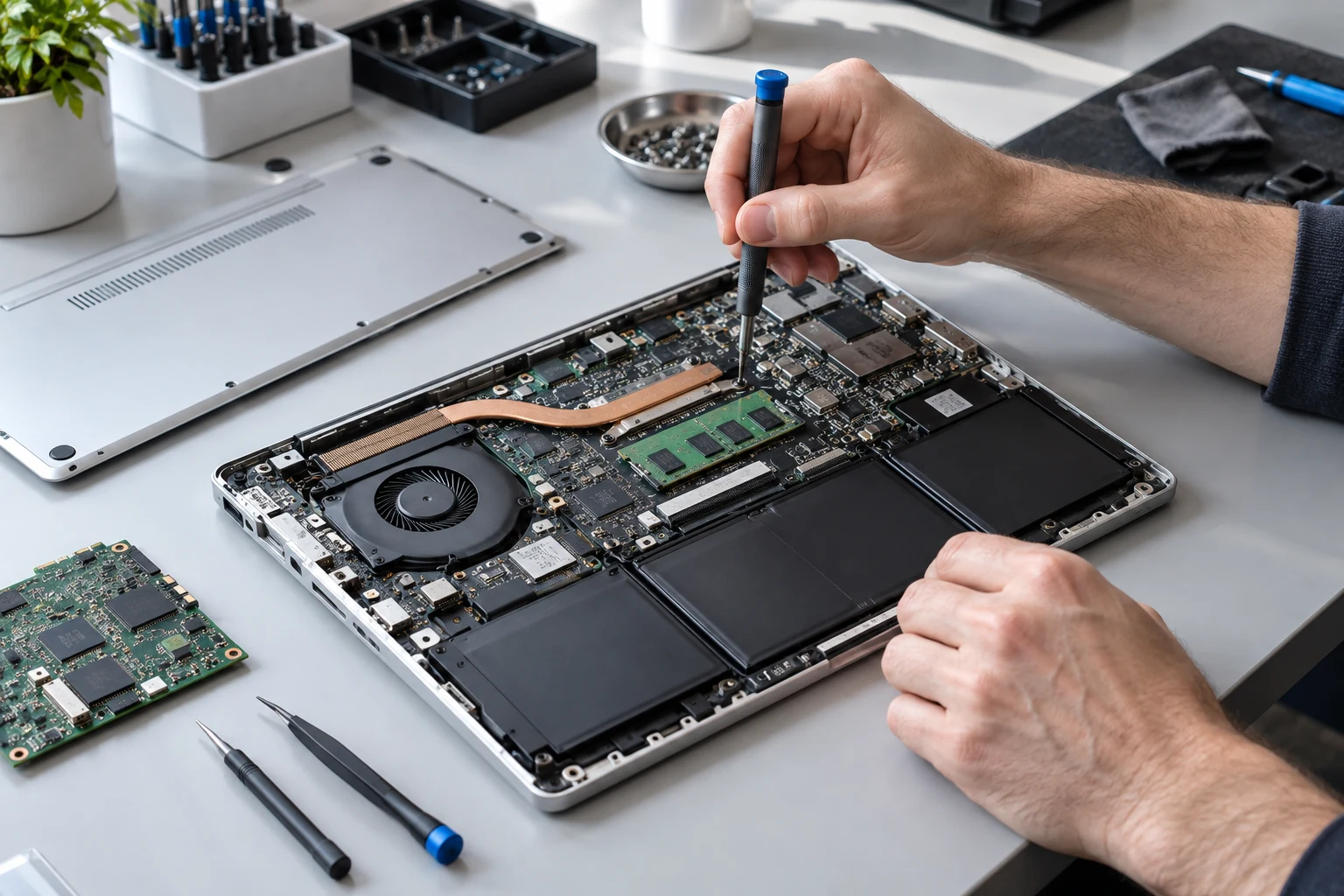
Computer and laptop repair and maintenance in Batumi. Care for every detail, from diagnostics to system setup.
01 EXPERTISE
Won’t turn on, making noise or running slowly? We’ll find the cause and the right solution.
Tell us what’s wrongFinding the cause of crashes, freezes and startup problems.Explore service
02Screens, keyboards, power issues and other device components.Explore service
03Troubleshooting and repairs for desktop and gaming PCs.Explore service
04Dust removal, thermal paste replacement and cooling system maintenance.Explore service
05Operating systems, drivers and software. Help with errors and glitches.Explore service
Ask the technician about repair options, pricing and turnaround time.
NEXORA / FAQ
Choose a service, tell us your device model and confirm a suitable time to visit.
The cost depends on the fault, device model and work required. Message the technician with a description of the problem. Repair availability, the exact price and turnaround need to be confirmed for your device.
Daytime reception: 2B Grigol Lortkipanidze Street, 10:00–18:00. Evening reception: 56 Airport Highway, 18:00–00:00. Confirm the day and time with the technician before visiting.
The evening reception address is 56 Airport Highway, with hours of 18:00–00:00. Contact the technician in advance to confirm your visit. Reception hours do not mean every repair can be completed that evening.
Send the laptop model or PC configuration, describe the fault and explain when it started. A photo of the error screen or a short video can help. You do not need to send account passwords in your message.
BEFORE YOU MESSAGE THE TECHNICIAN
Enter the device, model and memory. Select the symptoms to prepare a message for the technician.
Select a problem or describe it in your own words.
Send via WhatsAppFor Telegram, copy the message and paste it into the chat.
03 LET’S TALK
Send your device model
and describe the problem.
Photos or a video help show the details.